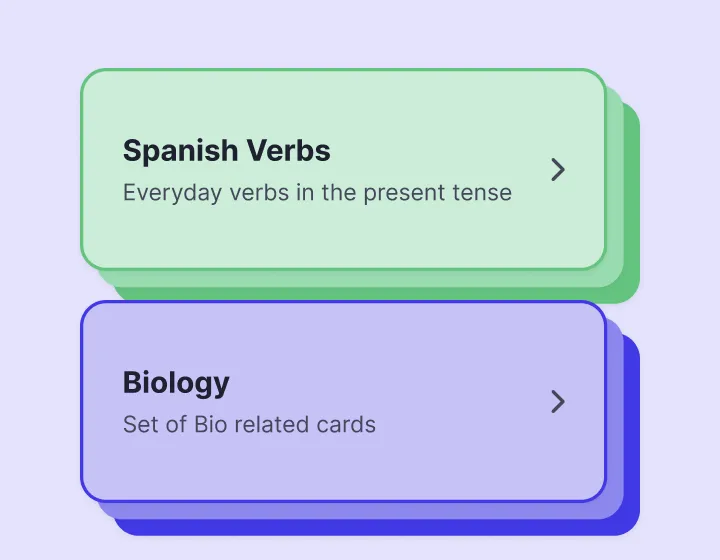
Decks you can find at a glance
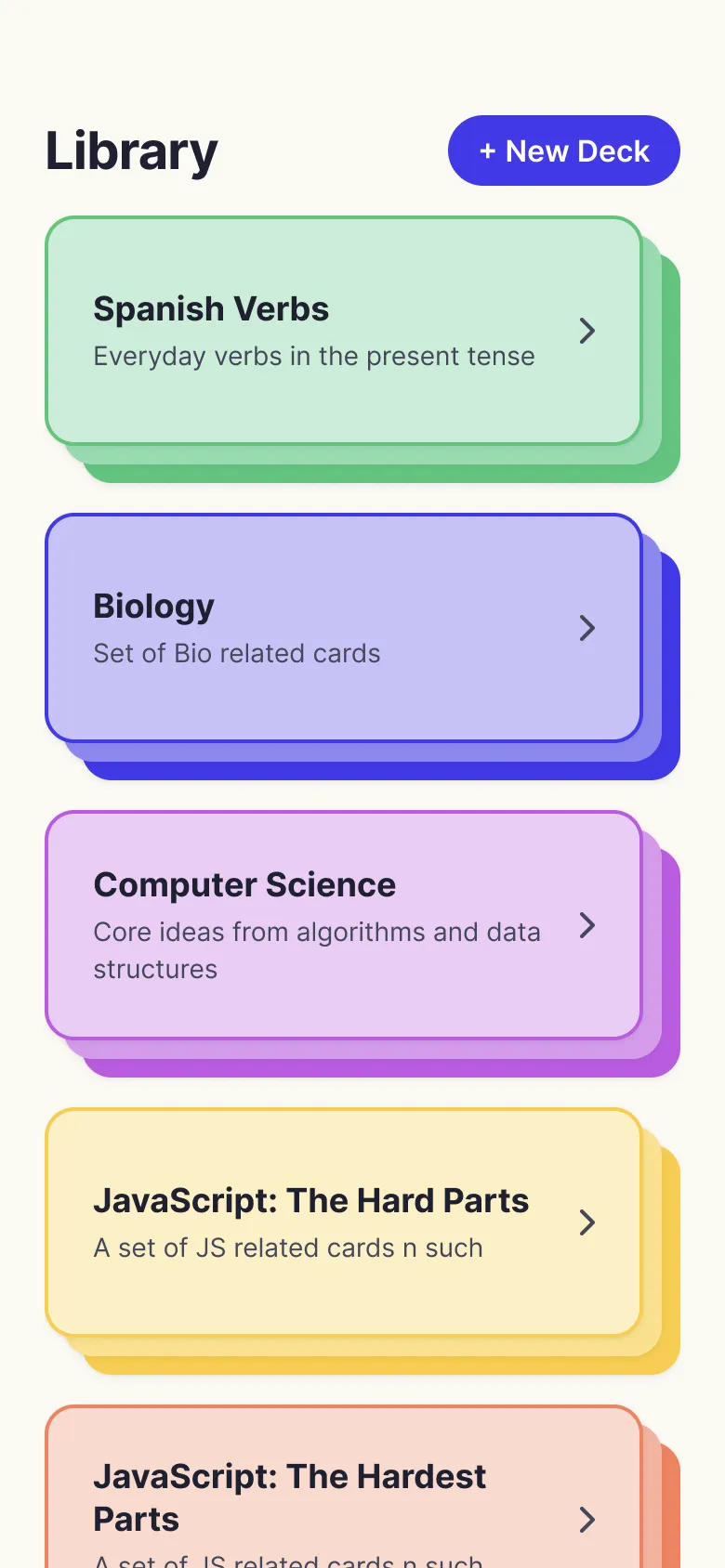
Give each deck a name, a short description and a colour. Your library stays tidy however many subjects you add.
 Flashkards
On iPhone · Android coming soon
Make a deck in seconds, study with a swipe, and bring cards in from a Google Sheet or a CSV file.
No account needed, and it works offline.
FEATURES
Flashkards keeps it simple, so your time goes into learning instead of setting up.
Give each deck a name, a short description and a colour. Your library stays tidy however many subjects you add.
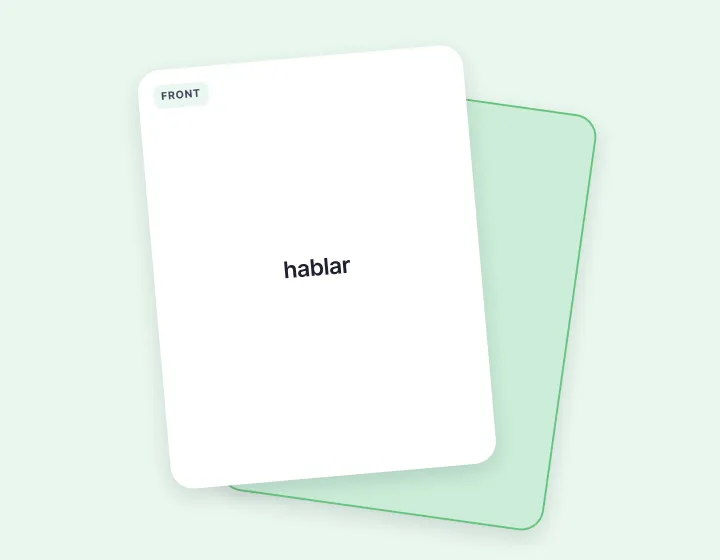
Tap to flip. Swipe right when you know it, left when it needs review. Each session ends with a tally of how you did.
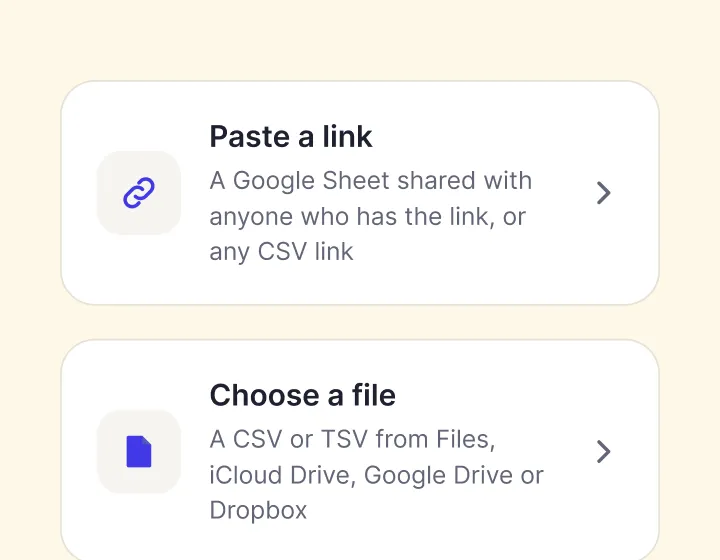
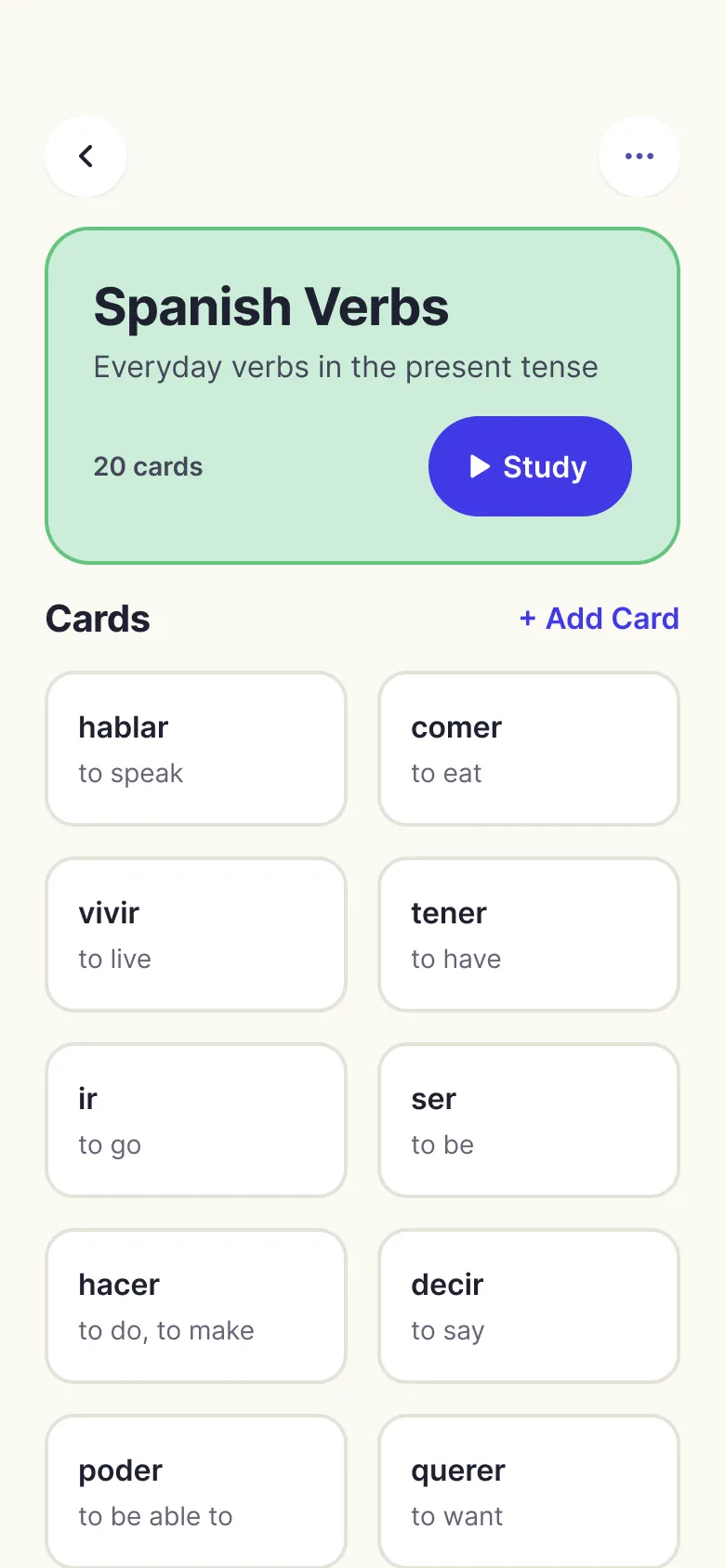
Paste a Google Sheet link or pick a CSV or TSV file, choose the front and back columns, then check the cards before they’re added.
Already keep your vocabulary in a sheet? Bring the whole list in at once.
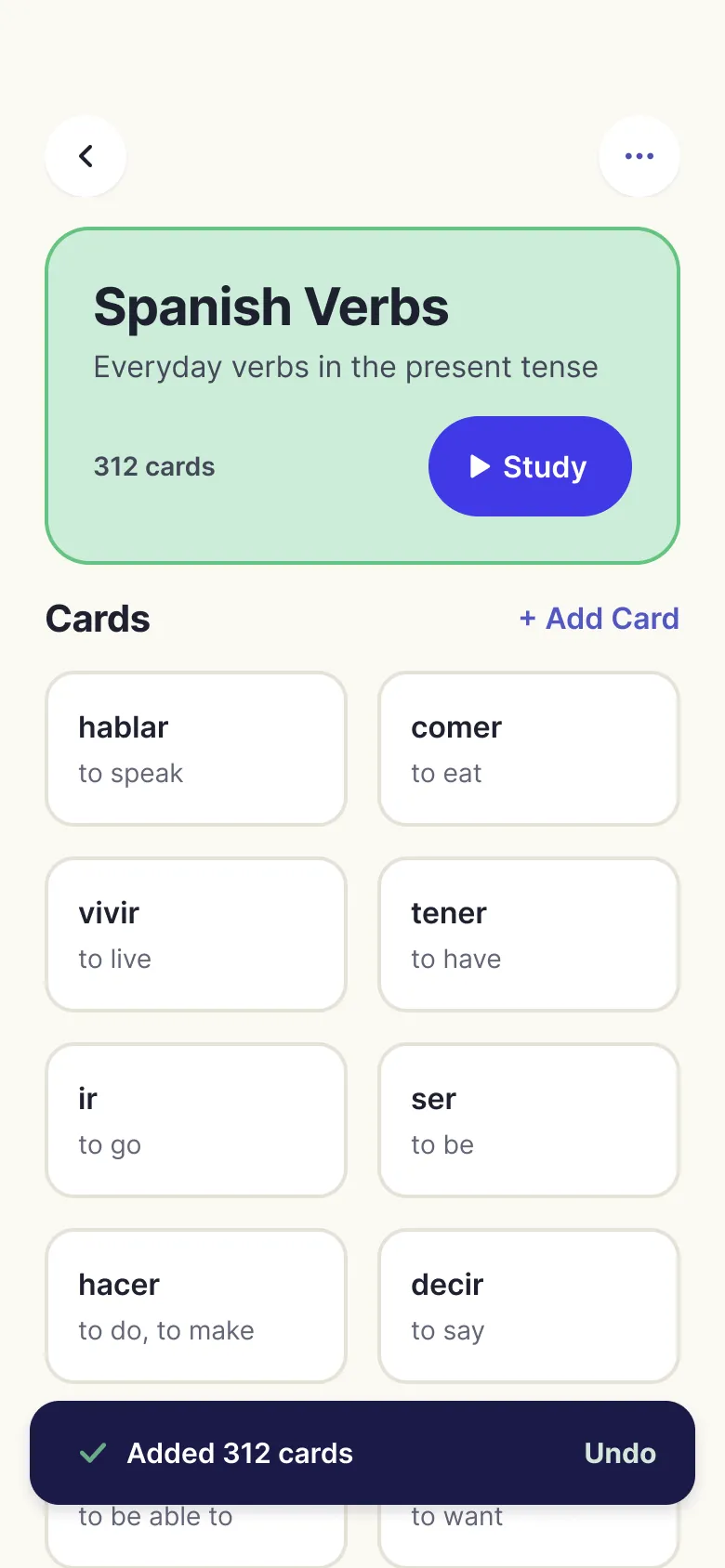
Import a whole list at once, or add cards one at a time.
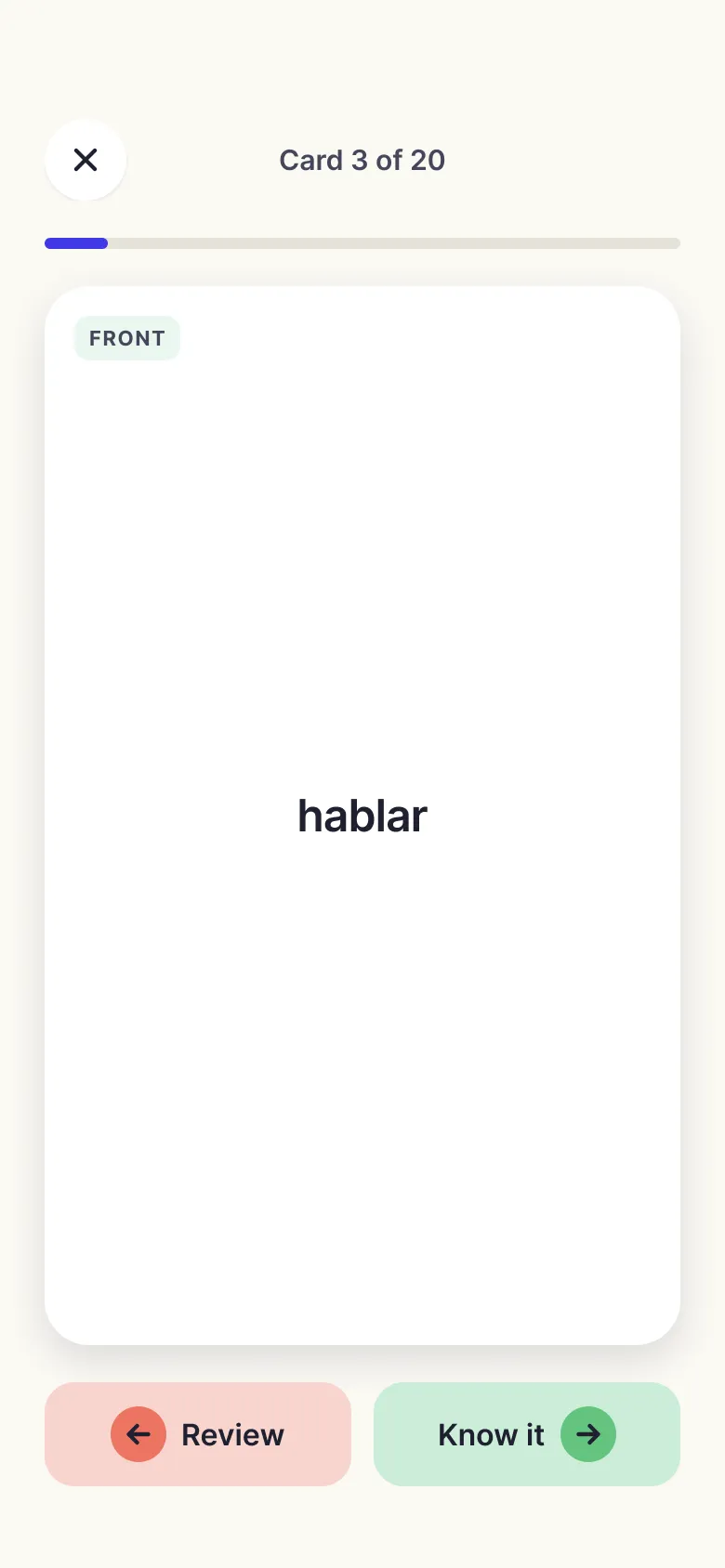
Right for the ones you know, left for the ones to review.
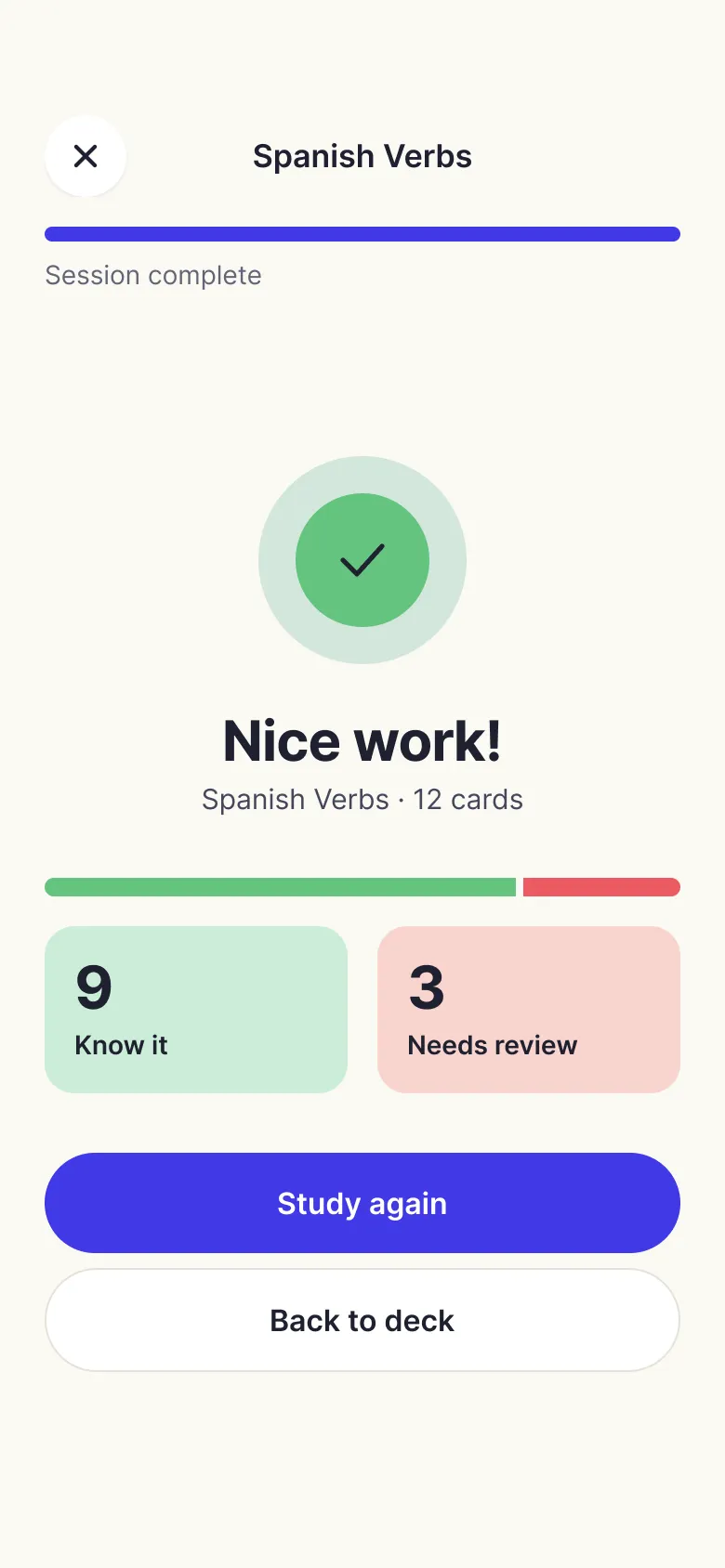
A quick tally at the end, then study again or head back to the deck.
Private by default, and ready to study whenever you are, with or without a connection.
Read the privacy policy →No account, no sign-in
Open the app and start a deck.
No analytics or ads
Nothing in the app tracks what you study.
Saved on your device
Decks and cards live in a small database on your phone.
Works offline, anywhere
Your cards are already on your phone, so you can study on a plane, on the subway, or anywhere without signal.
Imports read only what you pick
The sheet link or file you choose, and nothing else.

Get it on the App Store today. Android is coming soon.